 Brands are now getting serious with the way they can build human connections with their customers through the wealth of data that social media can provide. Consumers nowadays spend more time in front of their digital screens, thus the agencies, advertisers and brand managers should look towards crafting digital strategies for brands. For this, they should not only look into the current trends in the social and digital media landscape, but also understand how these trends will shape up in the times to come. This article will tell you how you can increase your customer loyalty amidst the changing trends this year.
Few things you need to know are:
Social Listening
 Not only thoughts, but grievances are also being reported on social media by consumers nowadays. When something like this happens, there is no scope of ignorance of customer service by brands. They have to listen to them through what one can call as ‘Social Listening’, or in other words, paying attention to what people are talking about them on Facebook, Twitter etc. 22% marketers were already using social listening strategies in 2013 & thus, 24% plan to do so in 2014 as well. This clearly indicates that brands are still finding out how social listening is working in their favor as out of these, only 31% feel that their social listening is effective.
Effect of Social Listening
On marketers: Brands will be able to interact directly with consumers
On users: Brands will now listen, understand & respond quickly & strategically to consumer queries & thoughts
Social Advertising
 Advertising spends by brands is already segmented on the Internet. Though television used to share the larger share of advertising dollars, brands have now realized the power of leveraging social media ads in a cost effective way to build business. 57% of marketers used social ads in 2013 and another 23% are expected to start using the ads in 2014.
Effect of Social Advertising
On Marketers: Brands will get a cost effective & clutter free way of engaging customers
On Users: Users will now be able to see not just posts but Facebook sponsored stories
Data-based Marketing
 Brands are gathering lots of data from different places and trying to use it to market in a smarter way. This is because, unlike the traditional methods of advertising, social advertising offers real time analytics on the effectiveness of your campaigns. This is why brands & businesses would be able to spend money on Facebook-sponsored post for example, and then measure its effect before changing the campaign a week later. This leads to a marketing fueled by data.
Effect of Data-based Marketing
On Marketers: Brands will be able to take advantages of opportunities
On Users: Users will have more access to unique content & not just commercial messages
Pictures will be a better marketing tool
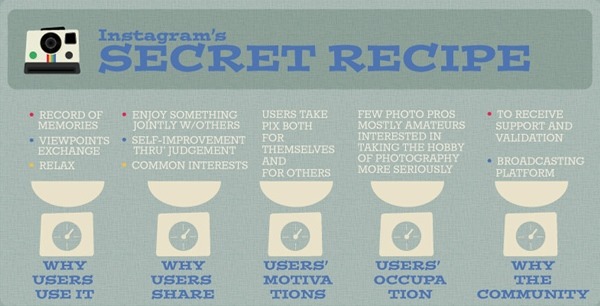
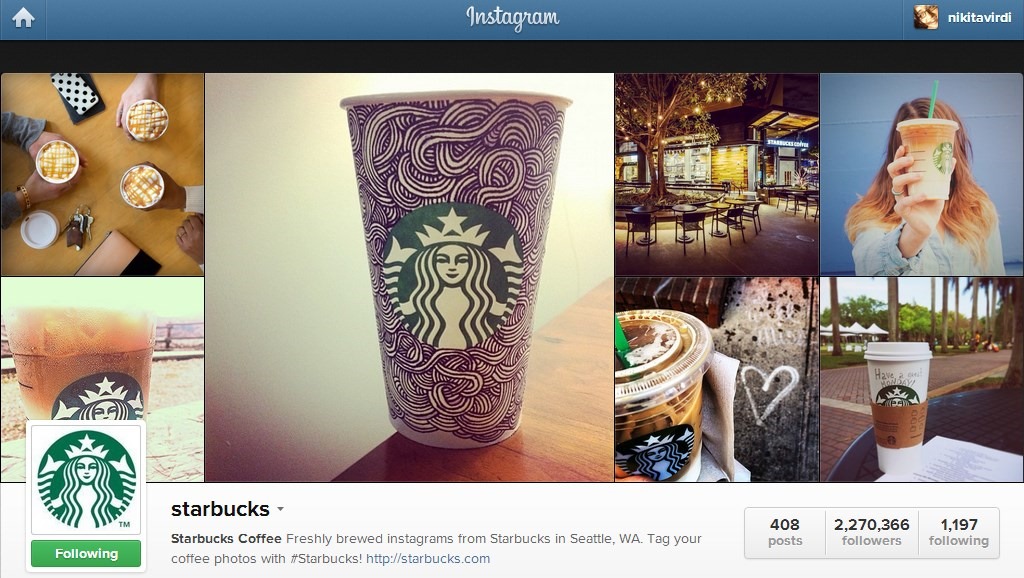
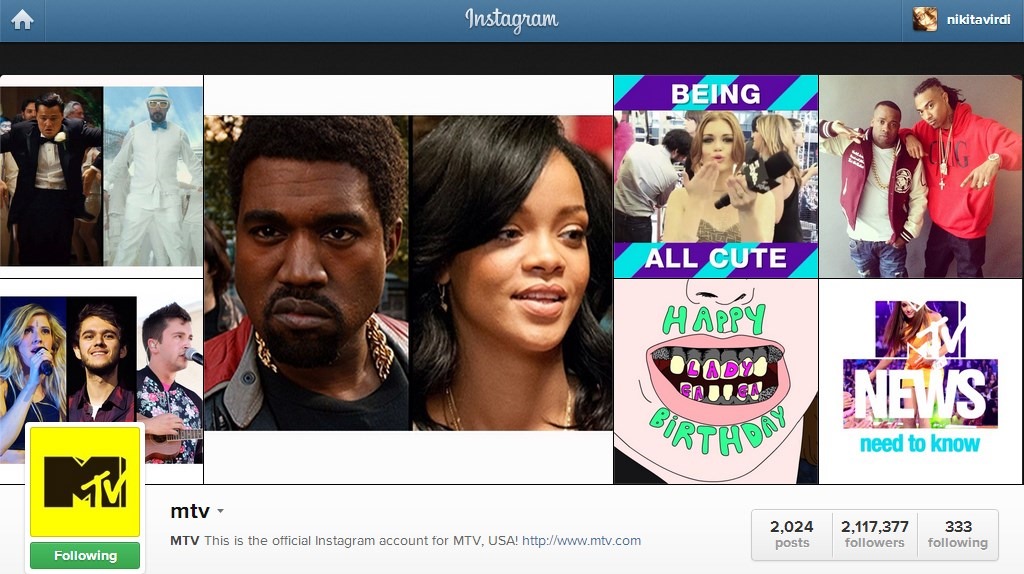
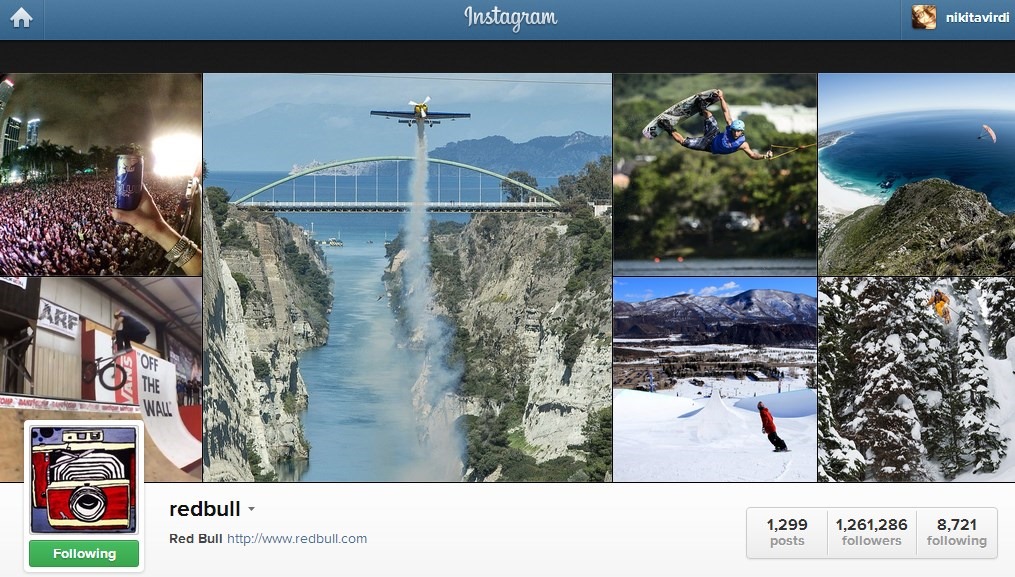
 Nowadays, people hardly have enough time to spare. Hence, they are being attracted towards content that they can comprehend within a short time. Social media platforms are taking it all higher with an enormous emphasis on visual content. Compared to the original internet ads, today users come across more visually driven, eye-catching content. Instagram is indeed growing and giving a scope to people to filter & beautify their images online. Thus, visual social media is surely going to be a boon for brands!
Effect on Marketers: Marketers will have to find newer ways to catch attention like graphic advertisements, catchy banners, images and Infographics
Effect on Users: Users will get more information in a short time span
Social Media integration with business
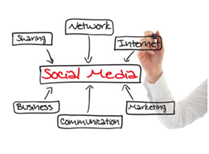 Despite the fact that 78% companies have a committed social media team, yet just 26% of companies out of them integrate social media into their business strategies completely. Therefore, the time when brands learn to do this, it is then when they will unlock the potential of social media to grow and transform social media fans into loyal brand enthusiasts.
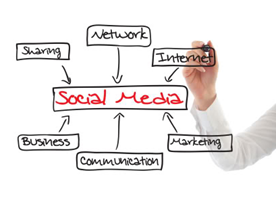
Effect on Marketers: Marketers must connect the social data to other enterprise data sources to deliver actionable insights
Effect on Users: Social platforms will become more rewarding in terms of social engagement
Social data will guide the future of relationship intelligence
 Information from social sites, campaigns or other customer interactions will be used to effectively monitor and engage audiences. Brands will be able to leverage the data from the way people interact with their brands on social media. As marketers start paying more attention to what their online communities care about, their real-life products will become increasingly relevant to their customers.
Effect on Marketers: Brands will focus on unique campaigns that focus on bringing online content to the real world
Effect on Users: Brands will need to listen what the community cares about
Engaging customers both online and offline
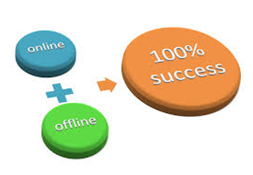 Brands in future, will take advantage of both online and offline means to reach out to the audience. Social media is a space where one does not only spend his/her time online, but also shares thoughts and extends interactions with others. Therefore, brands are taking a leap ahead to develop ways to move online campaigns into the real world and use these human connections to augment customer’s experiences with their products. Brands in this manner extend their online personalities into the real world through live events, livestreams, reality shows, giveaways etc. to name a few.
Effect on Marketers: Brands will focus on unique campaigns that focus on bringing online content to the real world
Effect on Users: Brands will need to listen what the community cares about
Source: www.media-mosaic.com
Well, how the world of social networking will shape up is a thing to watch out for in times to come. These trends are likely to come true because they are the true state of social networking progression these days. One can definitely look forward to things becoming more interactive and personal. What are your thoughts on this? What else do you think could come of the future? Do you have any predictions of your own? Do feel free to share them with us in the comments below! #KeepChiming